

Connect your app to your users’ merchant accounts
Update cards on file, retrieve SKU-level transactions, and manage subscriptions at merchants like Amazon, Netflix, and Uber with one SDK and API.
Get your API keys from the Knot Dashboard, or contact Knot to get access.
1
Create a session
Your backend calls the API with your secret. Create a new session each time the SDK opens.
2
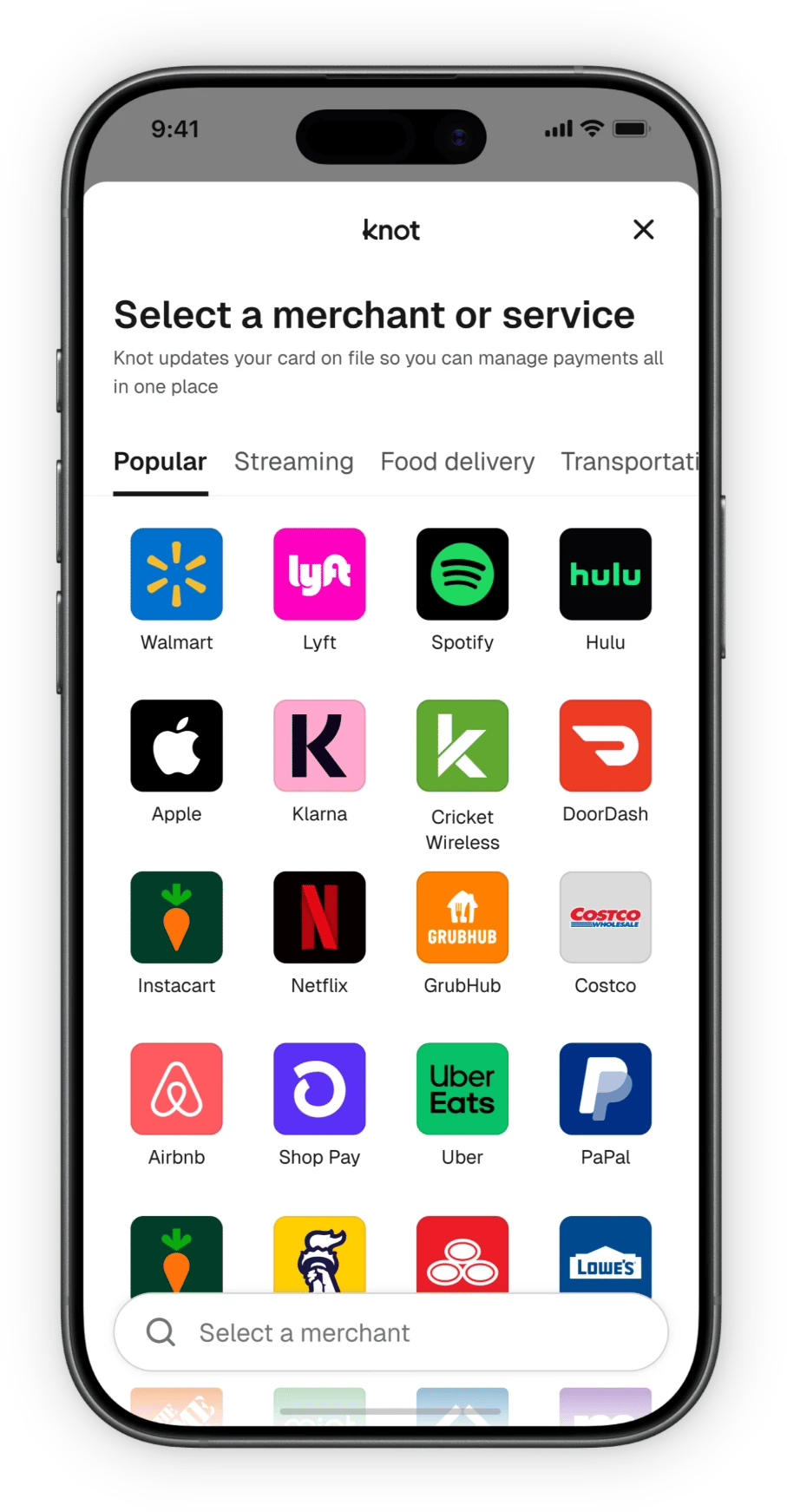
Open the SDK
Your app opens the SDK with the session, and the user logs in to a merchant.
3
Receive webhooks
Knot notifies your backend as accounts link and data becomes available.
4
Call the product API
Read and write merchant account data from your backend.
Card on file
CardSwitcher
Update a user’s card or bank account on file at merchants like Amazon, Netflix, and Uber.
Vaulting
Set a digital wallet as the default payment method at merchants.
Merchant data
SubscriptionManager
Retrieve subscriptions and bills, and cancel subscriptions server-side.
TransactionLink
Retrieve SKU-level transaction data from a user’s merchant accounts.
Detect
Identify which merchant accounts a user has to personalize your app.
Install Knot skills
Install the MCP server
Skills
Step-by-step integration guides for your coding agent.
MCP server
Search Knot’s docs from Claude Code, Codex, VS Code, or Cursor.
llms.txt
A machine-readable index of every docs page.
iOS
Android
React Native
Flutter
Web
Webhooks
Receive and verify webhook events from Knot.
Launch checklist
Everything to confirm before going live.
Authentication
Authenticate API requests with your
client_id and secret.Knot Dashboard
Manage API keys, webhooks, and team members.