

Click “Copy Page” to copy this use case as markdown.
Problem
When users switch to a new bank, they need a way to move their gig platform earnings into their new account. Platforms like rideshare and delivery services hold earnings in merchant wallets, and transferring them requires users to navigate each platform’s app individually. For issuers, capturing these deposits is critical to establishing a primary-banking relationship, but there is no streamlined way to surface wallet balances or initiate transfers from within the issuer’s app.Solution
Immediately after a user provisions their new card at a gig platform merchant account through CardSwitcher, display the user’s merchant wallet balance and allow them to transfer earnings into their bank account, all natively from within the issuer’s app. If the merchant supports auto-transfer, offer to configure it so future earnings are deposited automatically.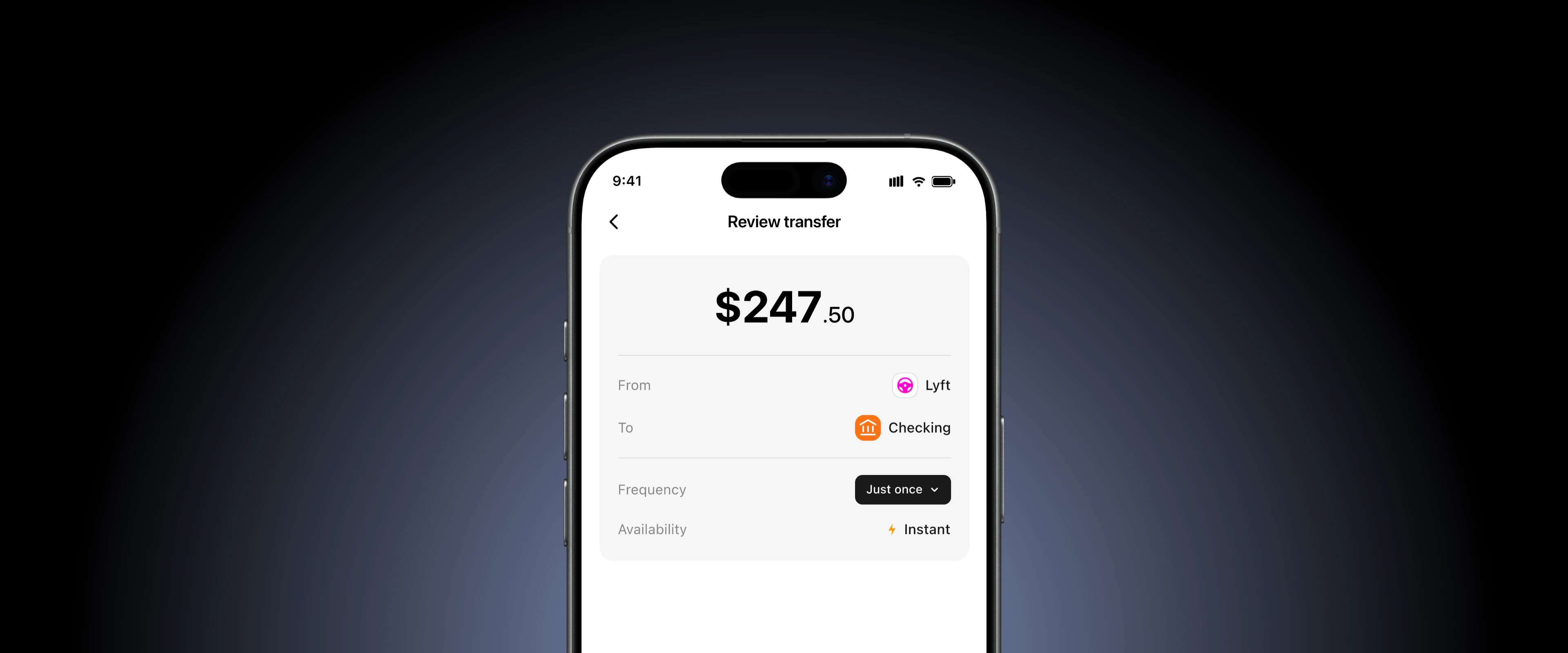
Flow
Implementation
Receive the CARD_UPDATED webhook with balance
When a user successfully switches their card at a gig platform merchant, Knot emits the
If
CARD_UPDATED webhook. For supported gig platform merchants, the payload includes a data.balance field representing the user’s current wallet balance on that platform.Key fields| Field | Purpose |
|---|---|
external_user_id | Identifies the user in your system. |
merchant.id | Identifies the gig platform merchant. |
merchant.name | Merchant display name (e.g., “Uber”, “DoorDash”). |
data.balance | The user’s current wallet balance on the merchant platform, as a string (e.g., “451.00”). |
data.balance is null, empty, or “0.00”, the user has no earnings to transfer and no further action is needed.Display balance and prompt the user
When a non-zero balance is received, present the user with their wallet balance and an option to transfer some or all of it into their bank account.Configuration decisions for your team:
Surface this prompt immediately after the card switch confirmation screen for maximum conversion. The user has just completed an action on this merchant and is primed to take a follow-up step.
| Parameter | Suggested Default | Considerations |
|---|---|---|
| Minimum transfer amount | $1.00 | Some platforms enforce their own minimum. Match or exceed the platform’s limit. |
| Default transfer amount | Full balance | Pre-fill the full balance to maximize deposit capture. Users can adjust downward. |
| Auto-transfer prompt | Show if supported | If the merchant supports recurring auto-transfers, offer to configure it during this flow. |
Initiate the deposit
When the user confirms the transfer amount, call Deposit Balance to initiate the transfer from the merchant wallet into the user’s bank account.